 By peter_lzh
 AstrBot: The 37K-Star Open Source Platform That Puts an LLM Inside Your QQ Group and Chat Apps
Browsing GitHub Trending last week, there was AstrBot again. This project keeps showing up — it has climbed past 37K+ stars, commits land daily, and it is one of the hottest AI open source projects right now.
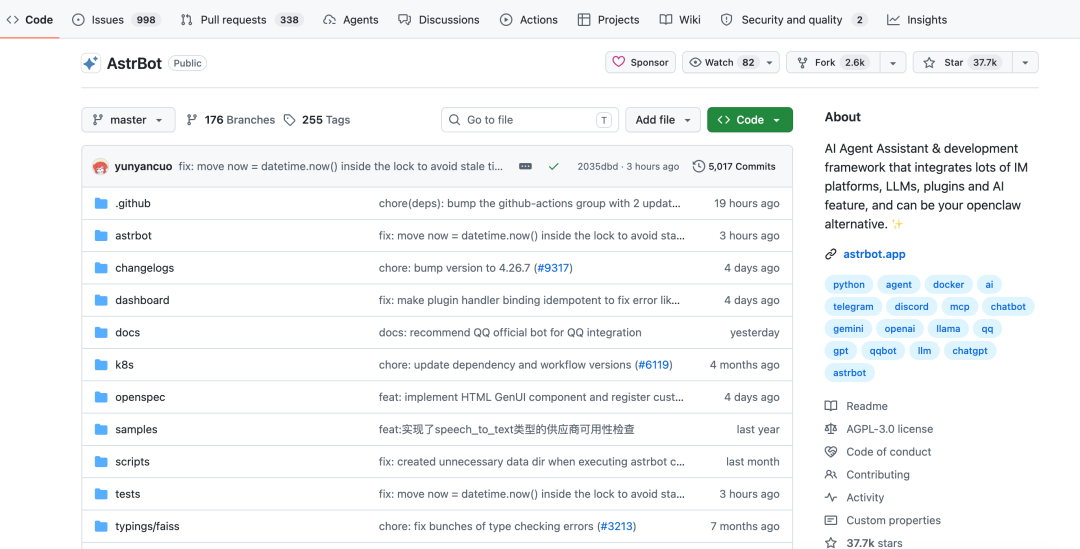
What Is This Project?
One sentence: it plugs large language models into the chat apps you use every day.
AstrBot is an open source agent chatbot platform, written in Python under the AGPL-3.0 license. It is not a specific bot — it is a framework. Install it, connect a model, hook it up to QQ or Feishu (Lark), and you have an AI assistant living inside your chat software.
Two years ago, projects like this were basically QQ bots wrapped around an LLM. Today AstrBot’s feature list is far longer: multimodal conversation, an agent sandbox, MCP support, knowledge bases, persona settings, a plugin marketplace, and a WebUI admin panel — all built in.
One Bot, a Dozen-Plus Platforms
AstrBot officially supports a long list of platforms. One configuration runs everywhere: we keep a bot in a Feishu group, and moving it to a DingTalk group means copying the config — same model, same plugins, zero code changes.
A note on WeChat: only WeCom (enterprise WeChat) and Official Accounts have official APIs. There is no legitimate way to connect a personal WeChat account — every workaround on the market risks getting your account banned. Stay away.
Swap Models Freely — Full Coverage of Chinese LLMs
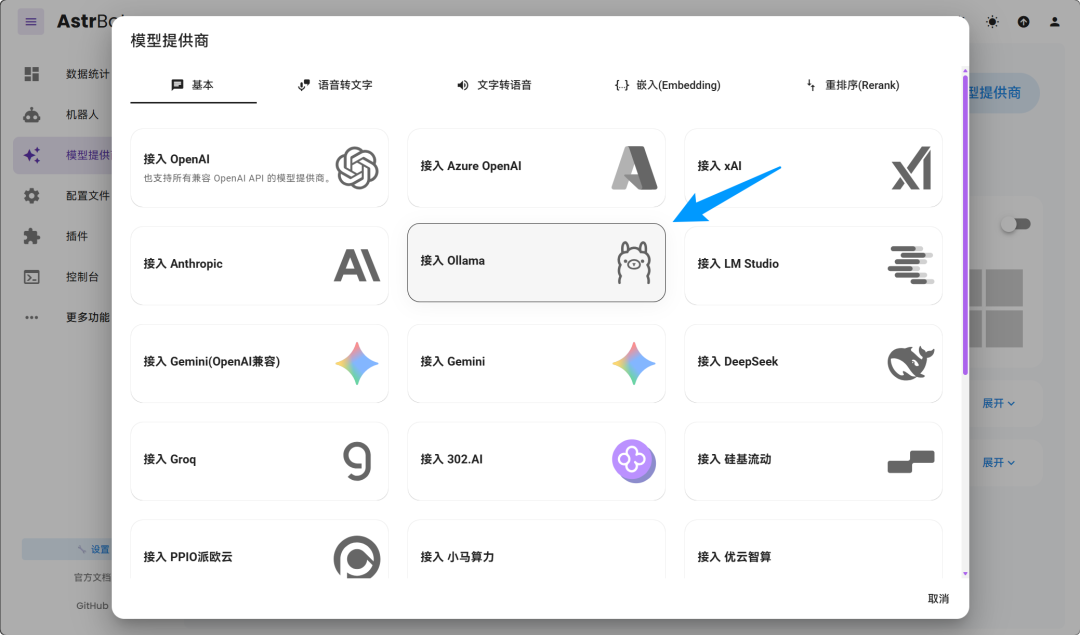
Practically every major Chinese model is on the list: DeepSeek, Kimi (Moonshot AI), Zhipu, Tongyi Bailian, SiliconFlow, ModelScope — plus locally self-hosted Ollama and LM Studio.
It is also compatible with OpenAI, Anthropic, and Gemini, but in real-world use we recommend prioritizing Chinese models: cheap and stable — especially for an AI framework wired into chat apps.
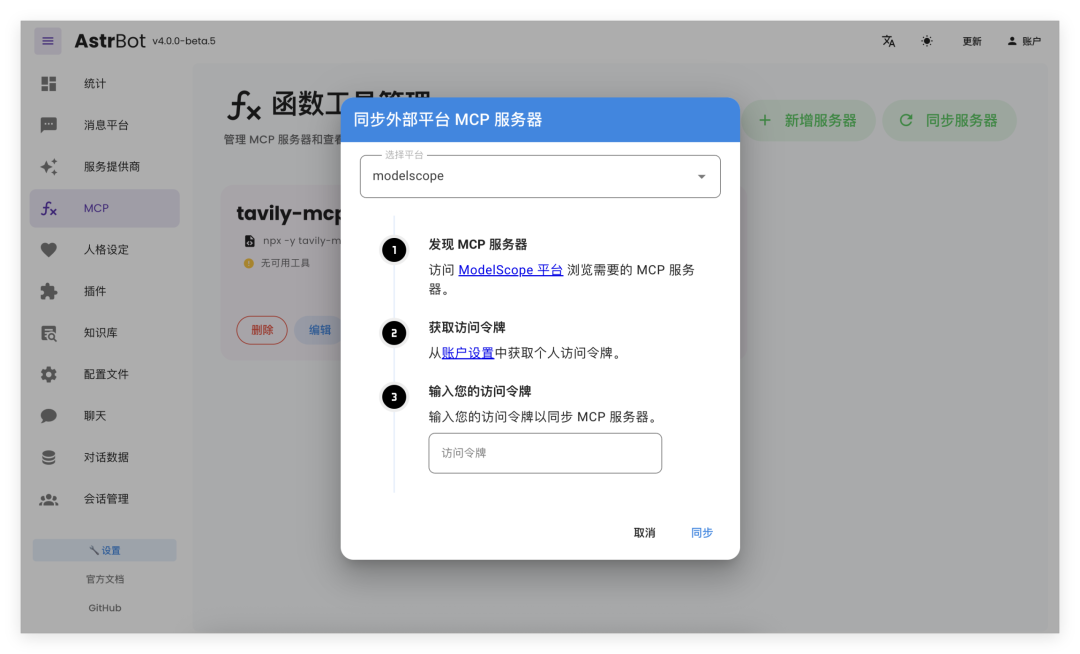
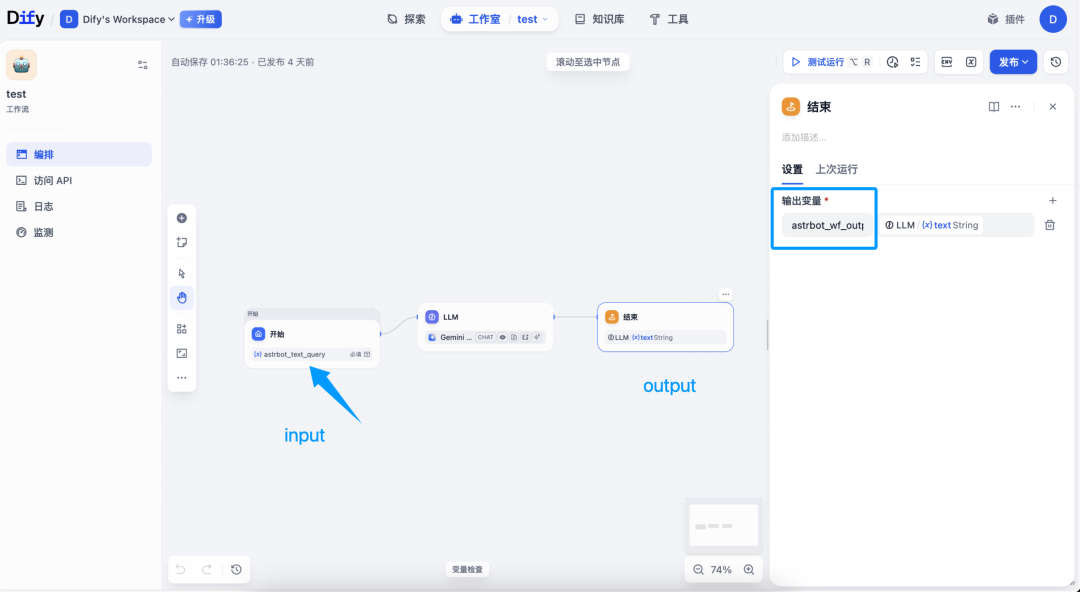
Beyond direct model connections, it also integrates low-code platforms like Dify, Coze, and Alibaba Cloud Bailian. A workflow orchestrated in Dify can be mounted straight into a QQ group.
Voice is covered too: speech-to-text via Whisper and SenseVoice; text-to-speech via GPT-SoVITS, FishAudio, Edge TTS, and Volcengine TTS. Want a custom voice for your bot? Clone one with GPT-SoVITS and drop it in.
Agent Sandbox: Running Code Inside the Group Chat
AstrBot ships with a built-in agent sandbox. When the bot receives a task in a group, it can run code and shell commands in an isolated environment, then post the results back — with resources reusable across sessions. We asked it to crunch a spreadsheet in a Feishu group: it wrote its own Python script, ran it, formatted the results, and posted them — no human intervention.
MCP and Skills are both supported: mount an MCP server and the bot can call external tools. The knowledge base supports document parsing and vector retrieval — we dropped our product docs in, and when someone asks a question in the group, the bot answers with citations from the docs.
Persona settings plus automatic context compression mean the character never drifts, no matter how long the chat runs — and it remembers what was said earlier.
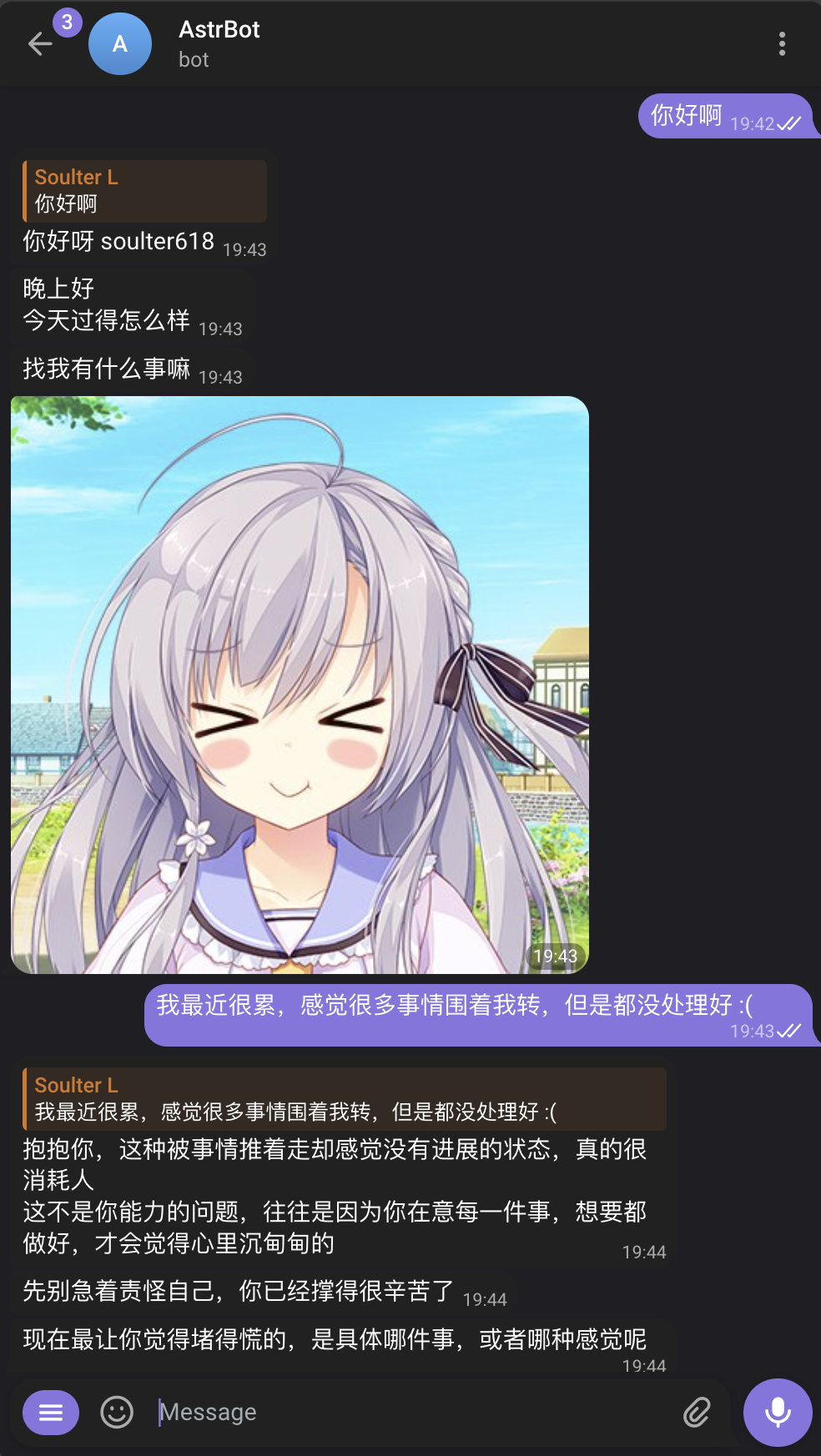
Plugin Marketplace: 1,000+ Plugins, One-Click Install
The marketplace hosts over 1,000 community plugins — check-ins, weather, image generation, group management, you name it. Installation requires zero code: one click in the WebUI.
If you know Python, writing your own plugin is easy. Official docs include templates; a few dozen lines gets you a custom command, with hot reload — no restart needed after edits.
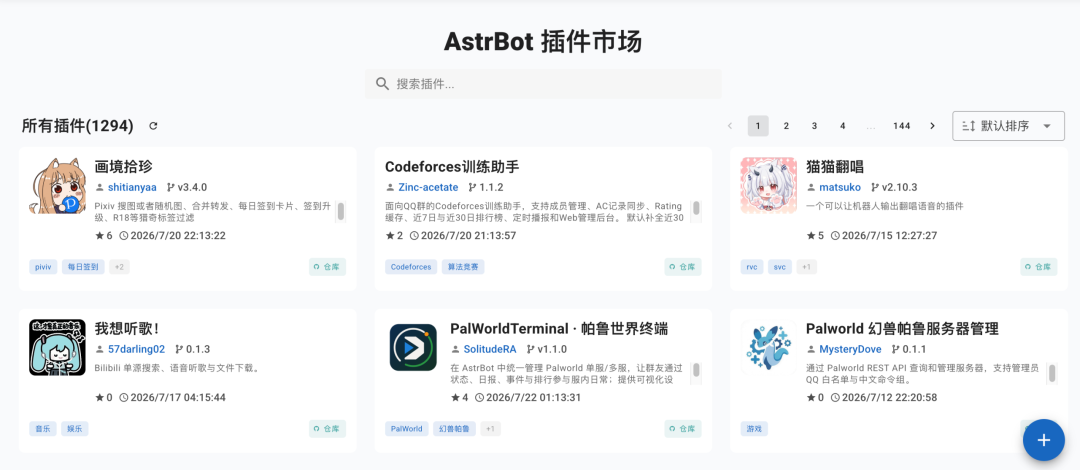
Installation and Deployment
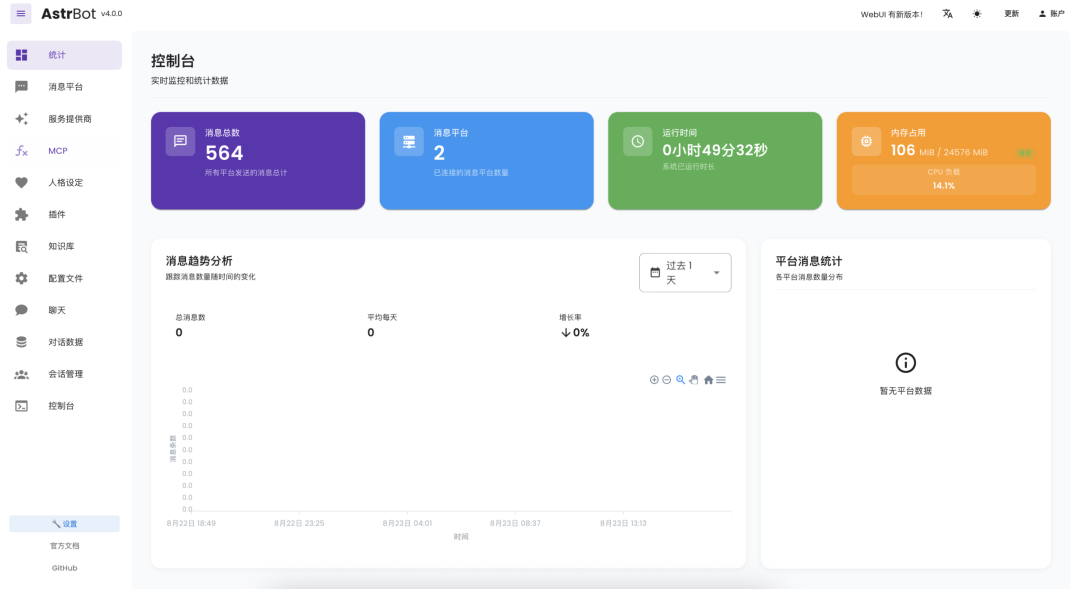
For a quick trial, use uv — three commands and you are up. Once running, open the WebUI in a browser to enter model keys, connect platforms, and install plugins, all from the panel. Note: instances installed via uv cannot be upgraded from the WebUI — update with uv tool upgrade on the command line.
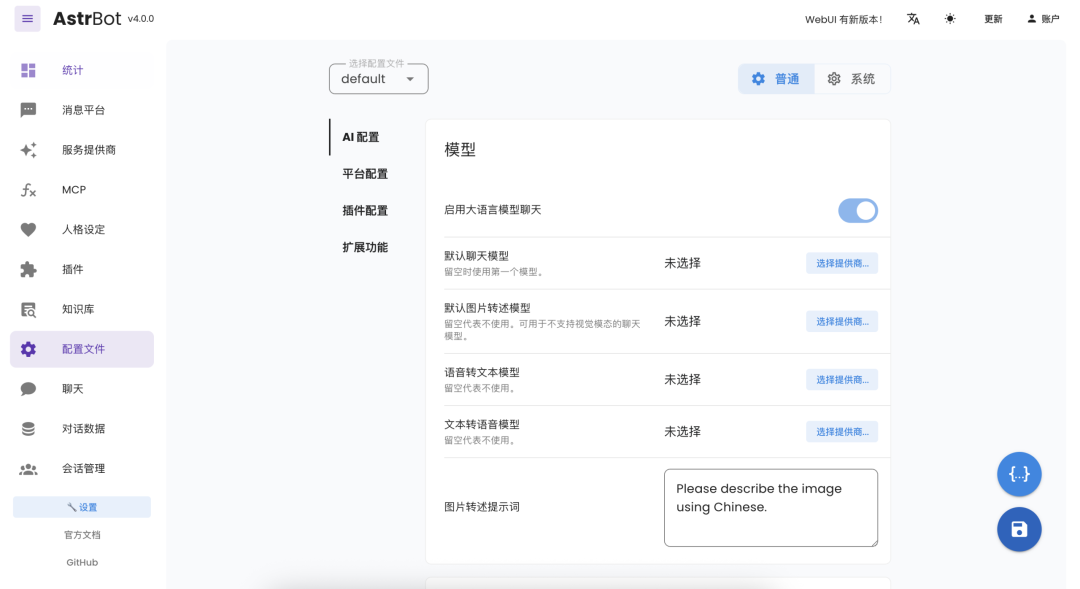
For long-term operation, use Docker. Prefer to avoid servers entirely? There is an official desktop app and Launcher, and it is also available in the app stores of BT Panel, 1Panel, and CasaOS.
What Can You Do With It?
- An AI member for your group: mount one in a QQ or Feishu group with a knowledge base — it answers newcomers’ questions automatically, with more patience than the group owner.
- Official Account and WeCom customer service: via official channels, with a knowledge base handling common inquiries automatically.
- Personal assistant: hang one in your own WeCom — to-dos, search, and script running on demand.
- A foundation for developers: building AI apps that live in chat software? Communication, sessions, and model scheduling are already done — you only write business logic.
My Take
AstrBot’s biggest advantage right now is its plugin ecosystem and community. 1,000+ plugins are not built overnight; the user base is large, the community is highly active, and plenty of developers are writing plugins for it. The more people use a framework like this, the more plugins it accumulates — and the harder it becomes for later products to catch up.
Two pitfalls to know upfront:
- AGPL license: if you modify its source code and offer a service to others, you must open-source your changes. Internal company use is unaffected, but think carefully before building a commercial product on it.
- Personal WeChat integration: do not attempt it. If a platform offers no official API, any workaround puts your account at risk.
Want a bot in your group, or a low-cost AI customer service setup? It is worth an afternoon of your time.