 By peter_lzh
 Tutti: An Open-Source Agent OS That Unifies Claude Code, Codex, and Your Whole Workflow
On my machine I keep a Claude Code window open, a Codex window, sometimes a browser to look things up, and a terminal to run commands. The more windows I open, the more scattered my thinking gets — halfway through something, I forget what I was even doing. The worst part is the context-switching: I write half an API in Claude Code, then jump to Codex for the frontend and have to re-explain the background, the progress, and why I wrote it that way. We were supposed to let agents do the work, yet I ended up the middleman, relaying messages between the two.
Tutti solves exactly this. It is not yet another agent — it is a unified workbench built on top of the agents you already have.
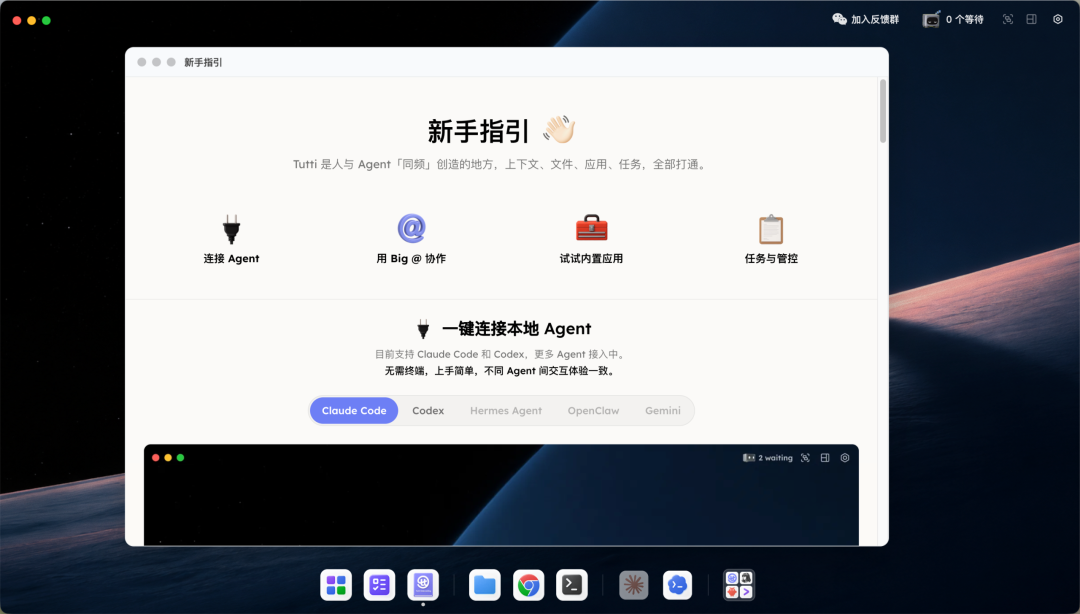
Overview
Tutti positions itself as an Agent OS. It does not build models and does not do inference; it does exactly one thing — let the agents you have already installed, such as Claude Code and Codex, share the same workspace. Context, files, apps, and tasks, which used to live in separate silos, are all connected here. A conversation I have in Claude Code can be referenced directly by Codex; a file Codex generates can be read directly by Claude Code. No copy-paste, no re-explaining the background.
Founder Chihab has been developing it full-time alone since March 2026. All the code is public on GitHub under the Apache 2.0 license — anyone can read it.
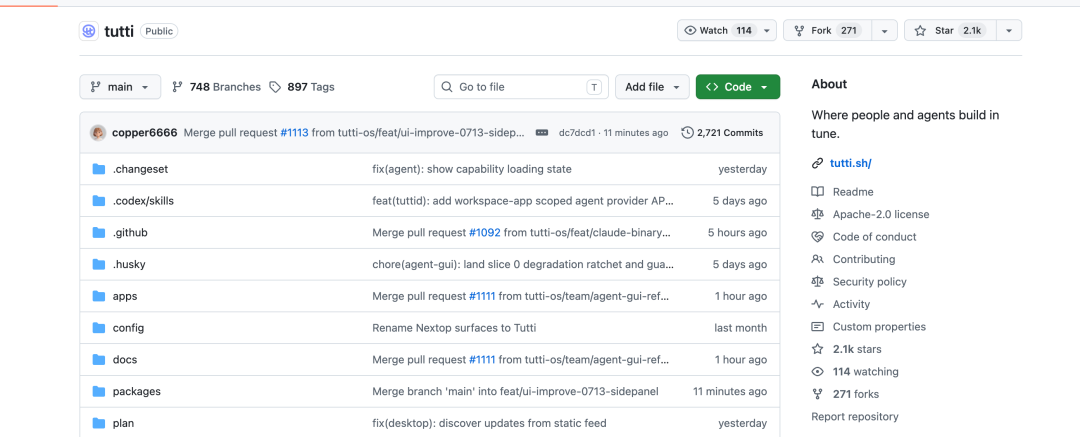
Feature Details
Cross-Agent Context Sharing
Reference another agent’s history with an @ mention
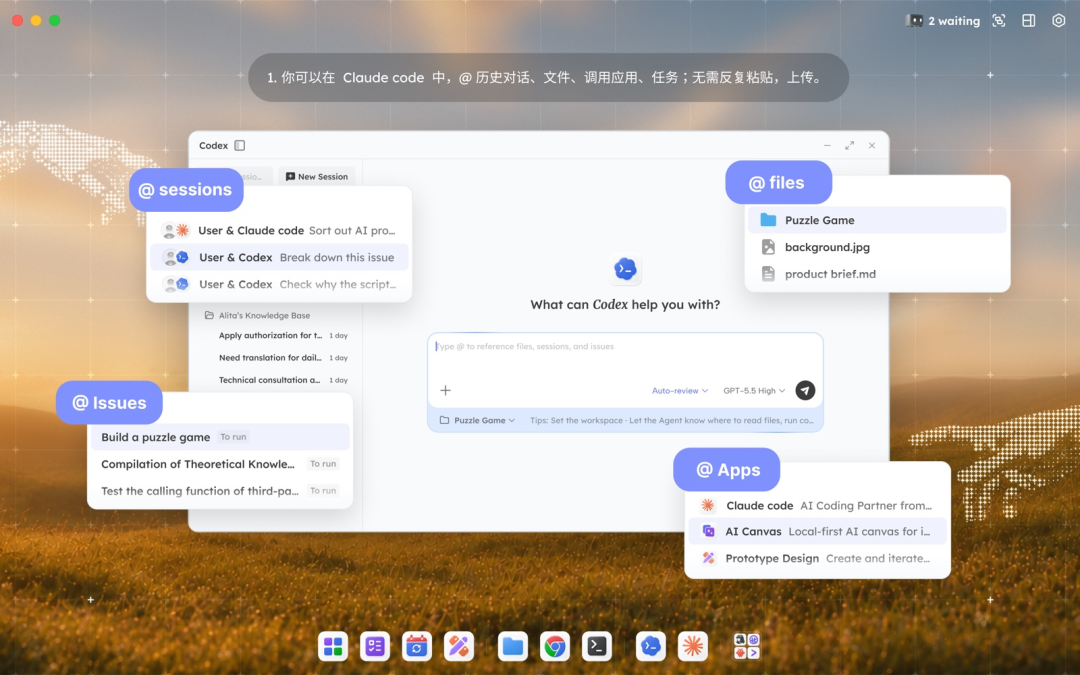
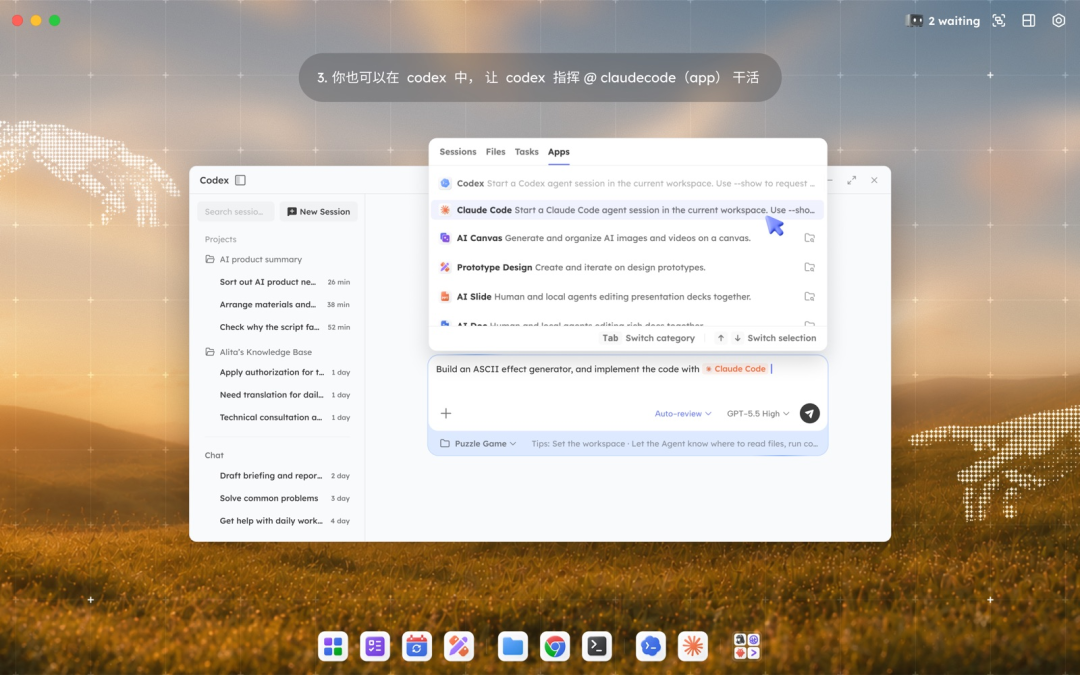
This is the part I enjoy most in Tutti. Type @ in the input box and you can directly reference a past Claude Code session — including the requirement description, the replies, the diffs of in-progress files, and the full change log.
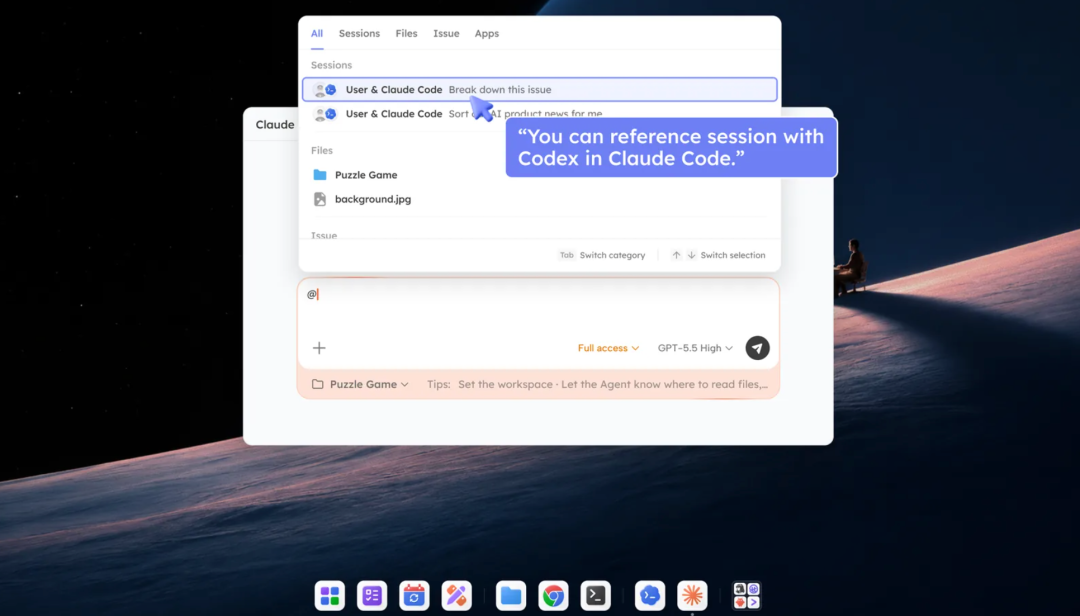
When Codex takes over, I don’t have to re-summarize the task. It sees the prior progress on its own; the information chain is never broken, and I don’t have to say it all again.
The file system is shared by nature — no shuttling files back and forth
All agents operate on the same filesystem. Code Claude Code edits is read directly by Codex. An image I generate in AI Canvas can be picked up directly by Claude Code. No download, upload, copy, or paste — the file simply lives in the same space and whoever needs it takes it, with no round-tripping on my part.
Built-In Subscriptions, No Double Billing
BYO Subscriptions scans your local CLI
Tutti has a mechanism called BYO Subscriptions. It automatically scans the Codex and Claude Code CLIs already installed on your machine; once detected, every Tutti app that uses agent capabilities runs on the subscription you already paid for.
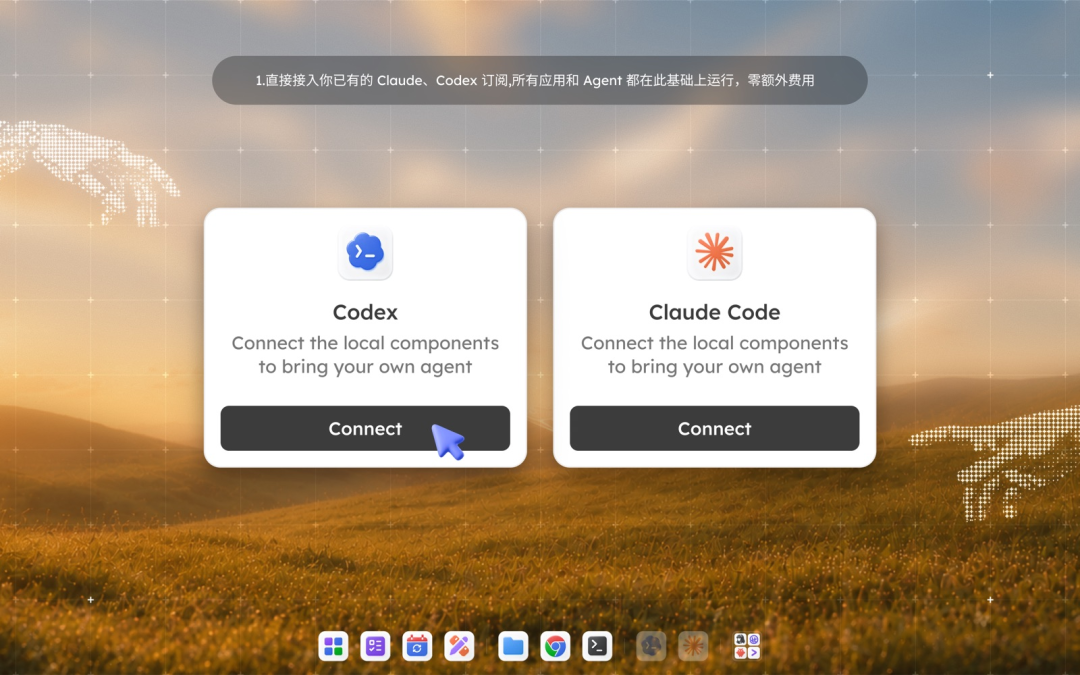
You don’t pay a second time for the same model capability — and I think that is exactly how an open-source project should behave.
Built-in apps reuse the underlying agent capabilities directly
Tutti ships a batch of apps: AI Canvas for images, AI PPT for slides, AI Doc for documents, Prototype Design for product prototypes. These are not standalone — under the hood they call the Claude Code or Codex you already connected.
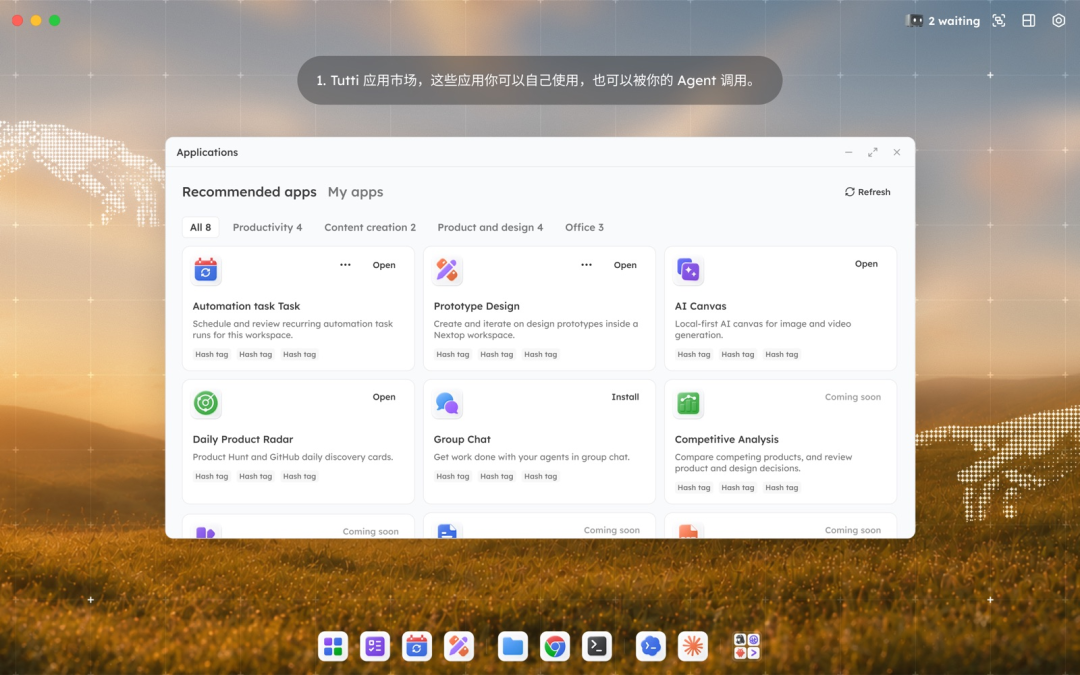
I generate a hero visual in AI Canvas, then tell Codex to reference that image and keep building the page — no export, no save, no re-upload. Just an @.
Task Orchestration and Control Center
Goal to Tasks splits work automatically
You no longer break tasks down step by step. Just tell Tutti what you want, and it splits it into sub-tasks and decides which agent does what. Say I want a marketing site: it splits into copywriting for AI Doc, prototype for Prototype Design, frontend for Codex, and hero visual for AI Canvas. Every task needs my confirmation before it starts — it never runs sensitive operations on its own.
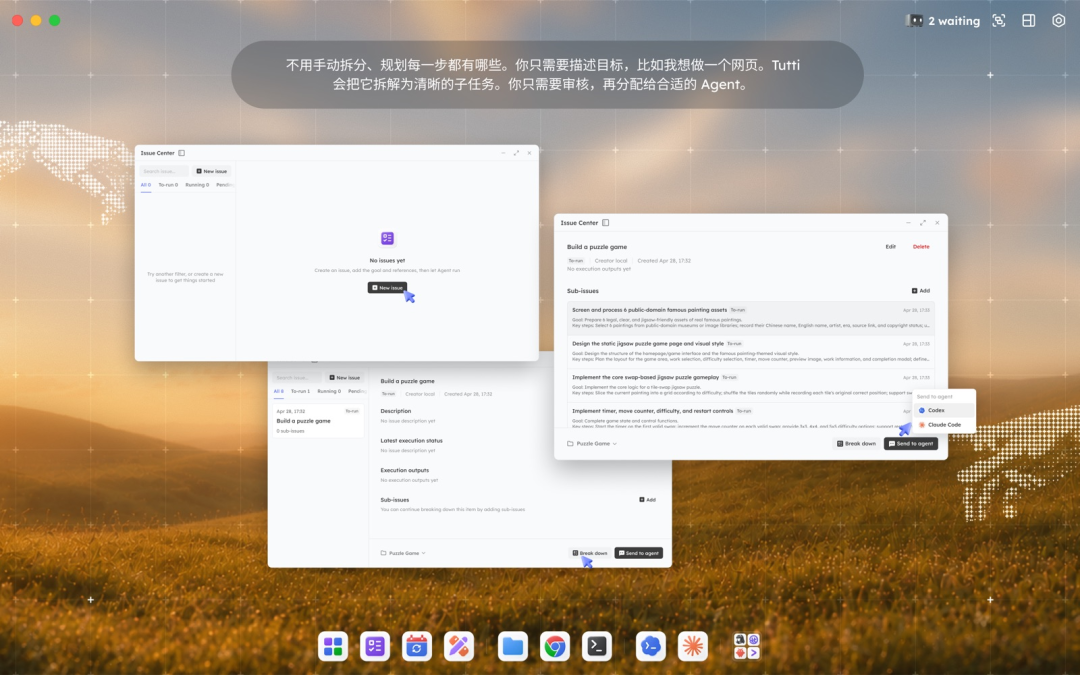
Control Center shows all progress on one screen
Every agent’s conversations, the tasks running, and the actions waiting for my approval are gathered in one interface. Who is running, who is stuck, who is waiting for review — all visible on a single screen.
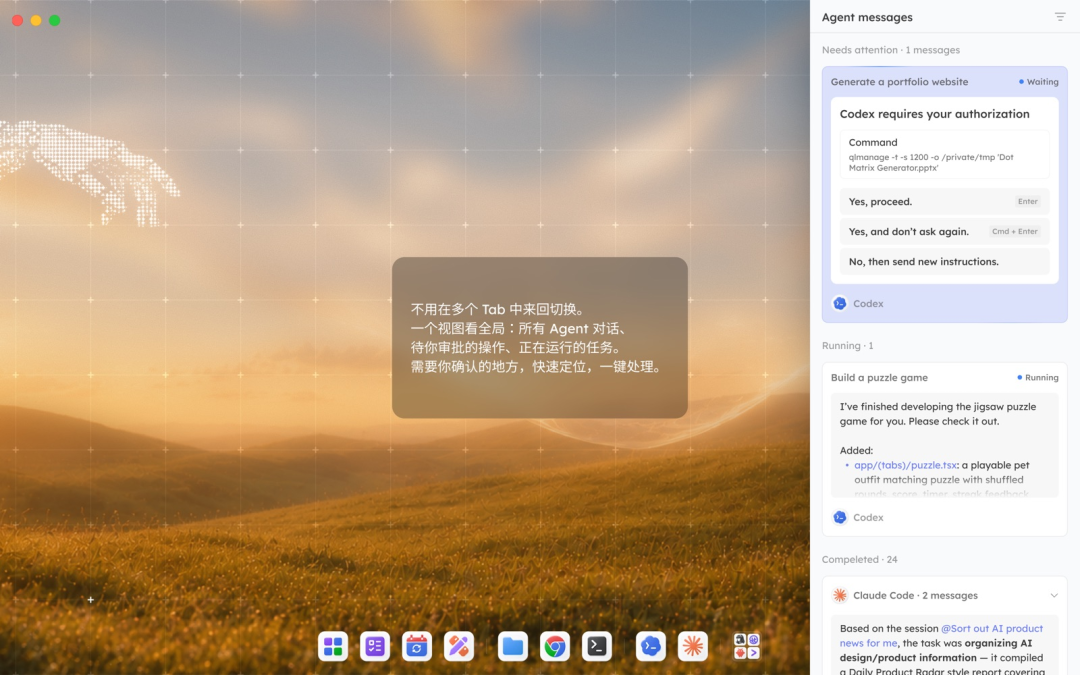
I no longer need five tabs flipping back and forth. On a 14-inch screen there is finally room — one window to watch progress is enough.
Built-In App Ecosystem
AI Canvas, PPT, prototype design — usable by both agents and humans
Tutti’s launcher holds a row of apps: AI Canvas for images, AI PPT for slides, AI Doc for documents, Prototype Design for prototypes. I can use them myself, and agents can call them too.
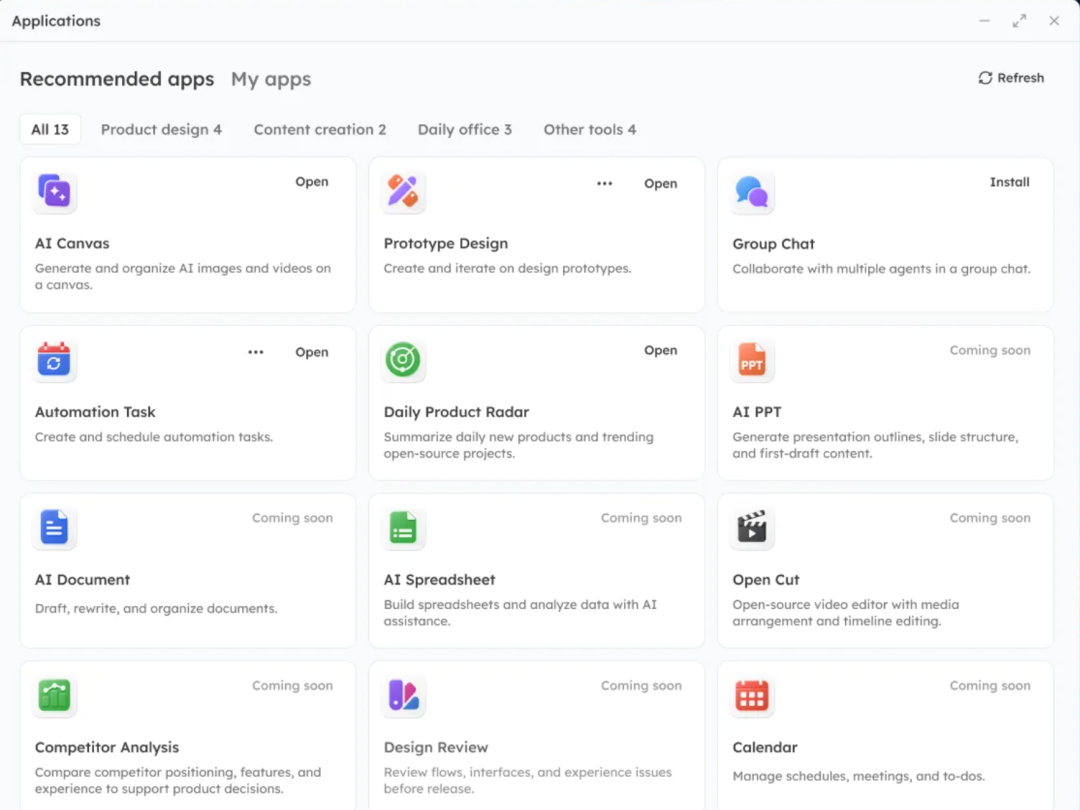
Codex calls Prototype Design to produce a spec, then Claude Code takes it straight into page development — no carrying things around by me in between.
Data flows between apps
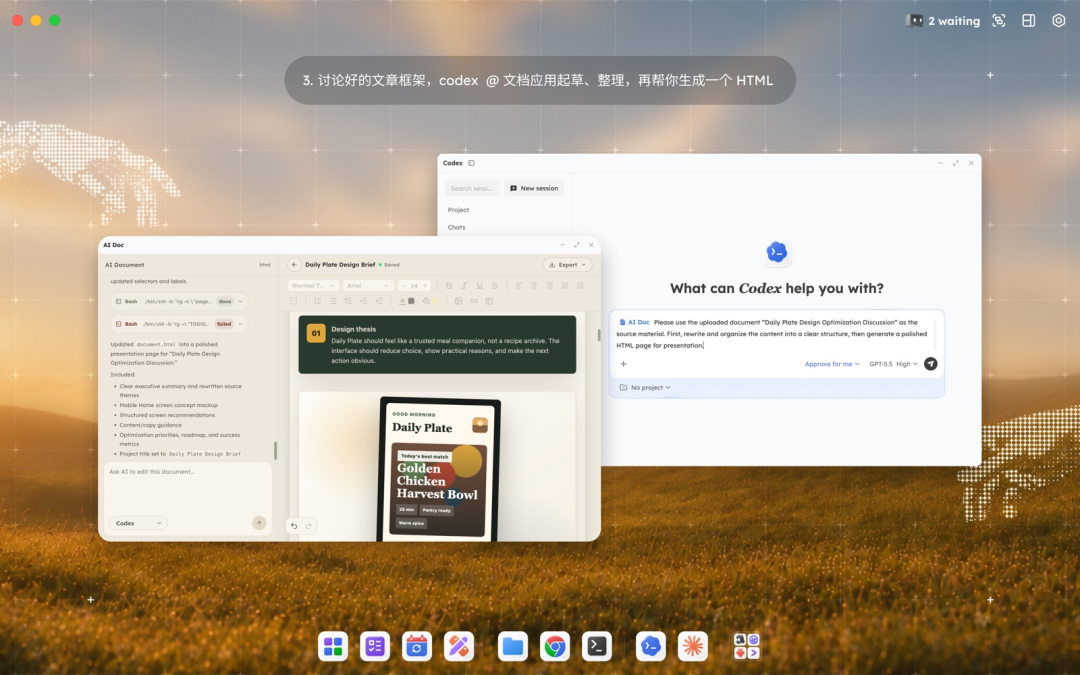
Everything the apps generate stays in the same workspace. An image from AI Canvas is referenced directly by AI PPT; copy from AI Doc is picked up by Codex to generate a web page. Nothing scatters across different apps — it circulates between apps and agents alike.
Quick Start
Currently Tutti supports macOS only; there is no Windows build.
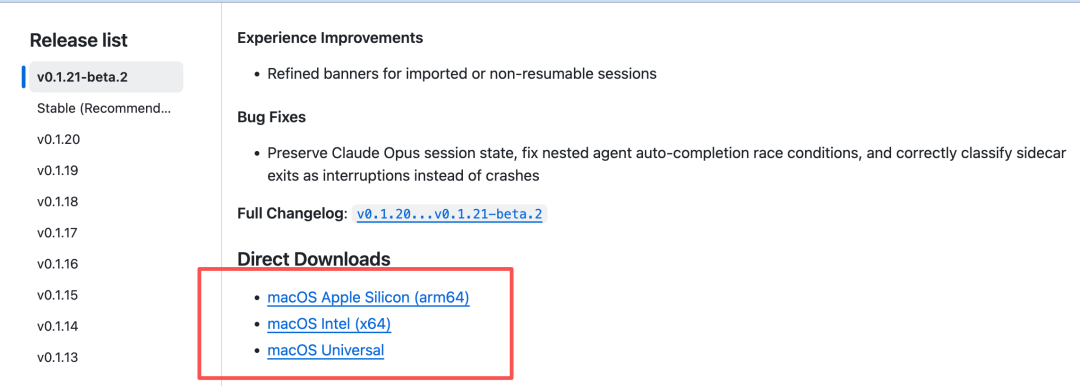
1. Go to the Releases page (github.com/tutti-os/tutti/releases) and download the matching version.
2. After installation, open it — the interface looks like an operating system, with an app launcher at the bottom.
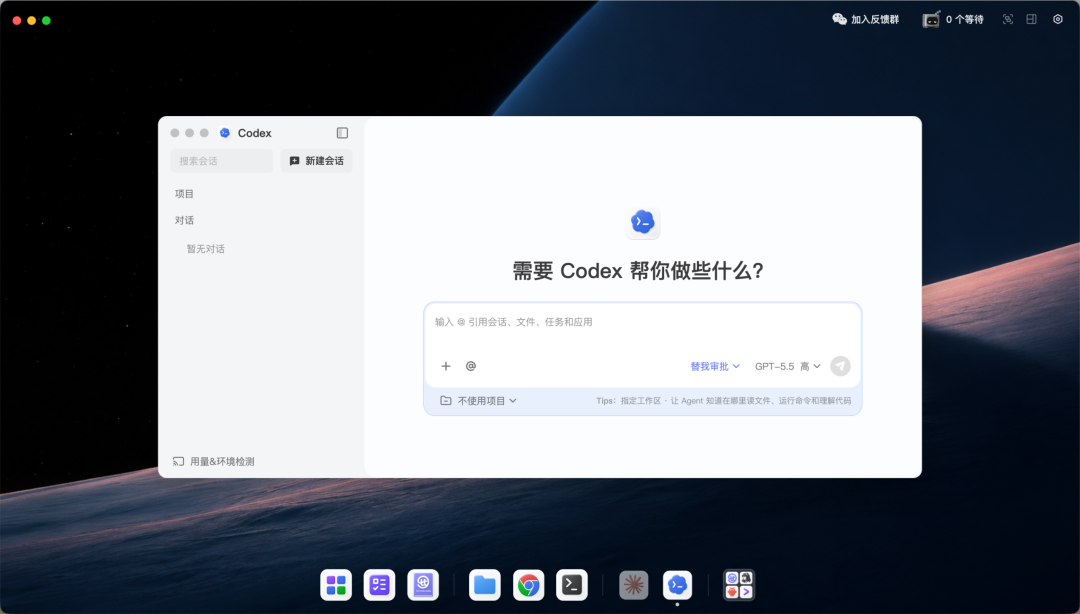
3. It automatically scans the Claude Code and Codex installed on your machine and reuses the existing login state — no re-login needed.
4. Click an app in the launcher, or just @ the corresponding agent in the input box, and you are working.
A waitlist for Tutti VM — the cloud version of the shared workspace, supporting cross-device and cross-person collaboration — is also open on the official site.
Wrapping Up (My Take)
I have looked at many agent projects. Most either build a new model or a new interface — a fresh coat of paint and they call it a day. Tutti is different. It does not try to reinvent an agent; it wires together the agents you already installed. It admits Claude Code and Codex are already strong and need no replacement. What it does is organize those existing capabilities so they cooperate.
I like this thinking. What really bothers me in the agent era is not that a single agent is too weak, but that agents each do their own thing and don’t talk to each other. Tutti solves that — and in the most pragmatic way: it reuses the subscriptions I already paid for, the accounts I already logged into, and the workflows I already use. No extra configuration; it just scans.
I plan to keep watching this project and test its cross-device collaboration once Tutti VM lands.